ERP systems are no longer just systems of record. They are becoming tools that actively help businesses work smarter. Sage 100 continues to move in that direction with ongoing updates that improve automation, visibility, and overall efficiency.
While Sage 100 is not positioned as a fully AI-driven platform, many of its newest features reflect the same goal. Reduce manual work, improve accuracy, and give users better access to real-time information.
The latest releases of Sage 100 introduce practical updates that make a real difference in daily operations.
Better Audit Tracking
Recent updates expand audit tracking across sales orders and purchase orders. Users can now see changes more clearly, including edits, deletions, and additions. This strengthens internal controls and improves accountability.
More Flexibility with Data
Fields such as invoice numbers have been expanded, giving businesses more room to align their ERP system with internal processes or external requirements. This reduces the need for workarounds.
Increased Automation
New features help reduce repetitive tasks. Improvements to workflows, request for quote processes, and general ledger corrections allow teams to complete tasks faster and with fewer errors.
Performance and System Enhancements
Updates continue to improve system speed, reporting capabilities, and overall stability. These improvements help users work more efficiently without disruption.
Preparing for the Future
Upcoming versions are moving toward a fully modern system architecture. This includes support for 64-bit environments, which improves performance and ensures better compatibility with current technology.
Sage 100 is building a foundation for smarter operations. While it may not be labeled as an AI platform, many recent enhancements support the same outcomes.
These include:
These capabilities position Sage 100 for future innovation as AI becomes more embedded in ERP systems.

If you are not staying current with Sage 100 updates, your system may be putting your business at risk.
Risk of Losing Support
Sage typically retires versions after about three years. Once a version reaches end-of-support, you may lose access to updates, fixes, and even technical support.
For example, older versions are regularly phased out as new versions are released, meaning businesses that don’t upgrade can quickly find themselves unsupported.
Compliance Concerns
Outdated systems may not receive:
This can lead to compliance issues, especially in areas like payroll and financial reporting.
Security Exposure
Older systems do not receive the latest security updates. This increases the risk of vulnerabilities and potential data breaches.
Compatibility Limitations
As technology evolves, older versions of Sage 100 may not work with newer operating systems, integrations, or third-party tools. This can limit your ability to grow or modernize your business.
Upgrading to the latest version of Sage 100 is not just a technical decision. It is a business decision.
Staying current allows you to:
Waiting too long often makes upgrades more complex and costly. Staying current keeps your system stable and easier to manage.
Sage 100 continues to improve with each release, offering better tools to help businesses operate efficiently and make informed decisions. However, those benefits only apply if your system is up to date.
If your organization has fallen behind on updates, now is the time to take action. Staying current is one of the simplest ways to protect your system, support your team, and position your business for future growth.
Contact ACC Software Solutions | Explore Our ERP Services
Solutions by Industry
What's New

Where Does Your Team Lose Time Without Realizing It?
Read MoreSubmitted by Courtney Quinn on Fri, 10/09/26 - 11:33
What Should Be Part of Your 2027 Technology Plan?
Read MoreSubmitted by Courtney Quinn on Fri, 09/25/26 - 10:39
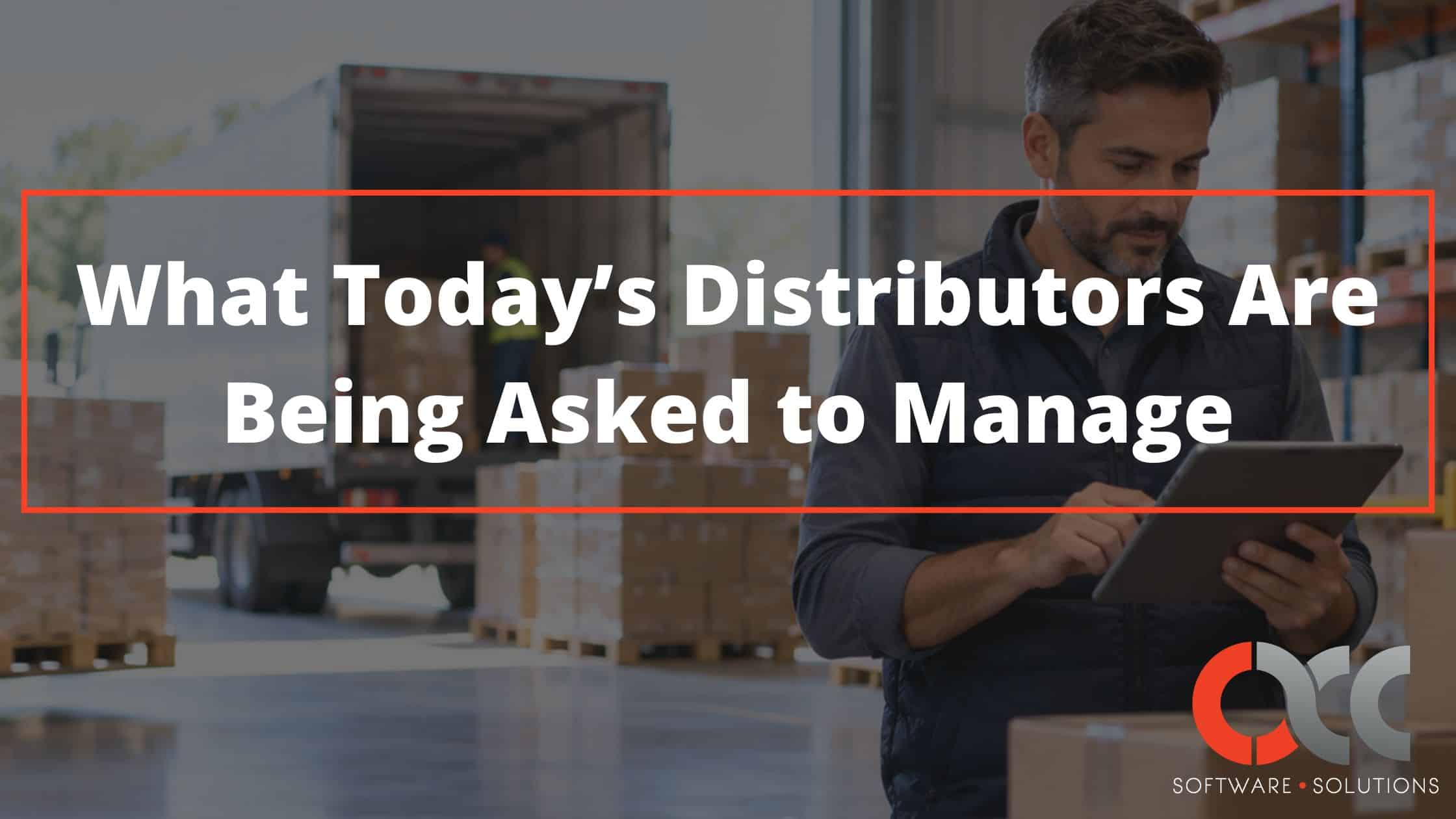
What Today’s Distributors Are Being Asked to Manage
Read MoreSubmitted by Courtney Quinn on Thu, 09/17/26 - 13:38
Whatever Your ERP Needs, We Have the Solution!
Or call us for a free consultation 866-379-3799